GoalGo
Our ProductGoal & Habit Tracker
Goals with real numbers, habits that move them, and Momentum, a 0–100 score that grows with everything you do and never resets. Rebuilt from the ground up for 2.0. Built and run by Palapa.
Where it started
Goal


Everything in 2.0
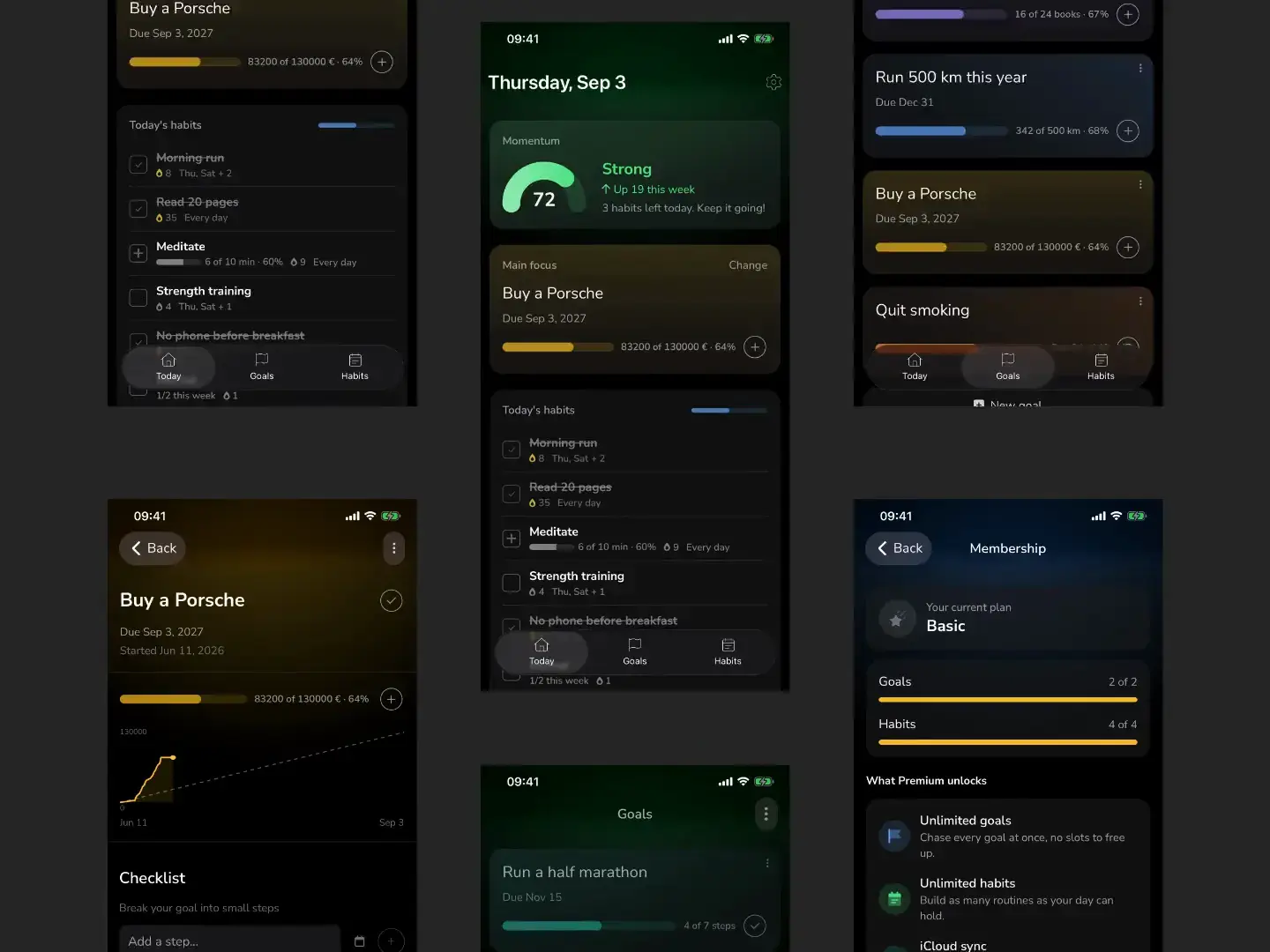
Rebuilt from the ground up, with a real database underneath and a Today screen that knows what matters.
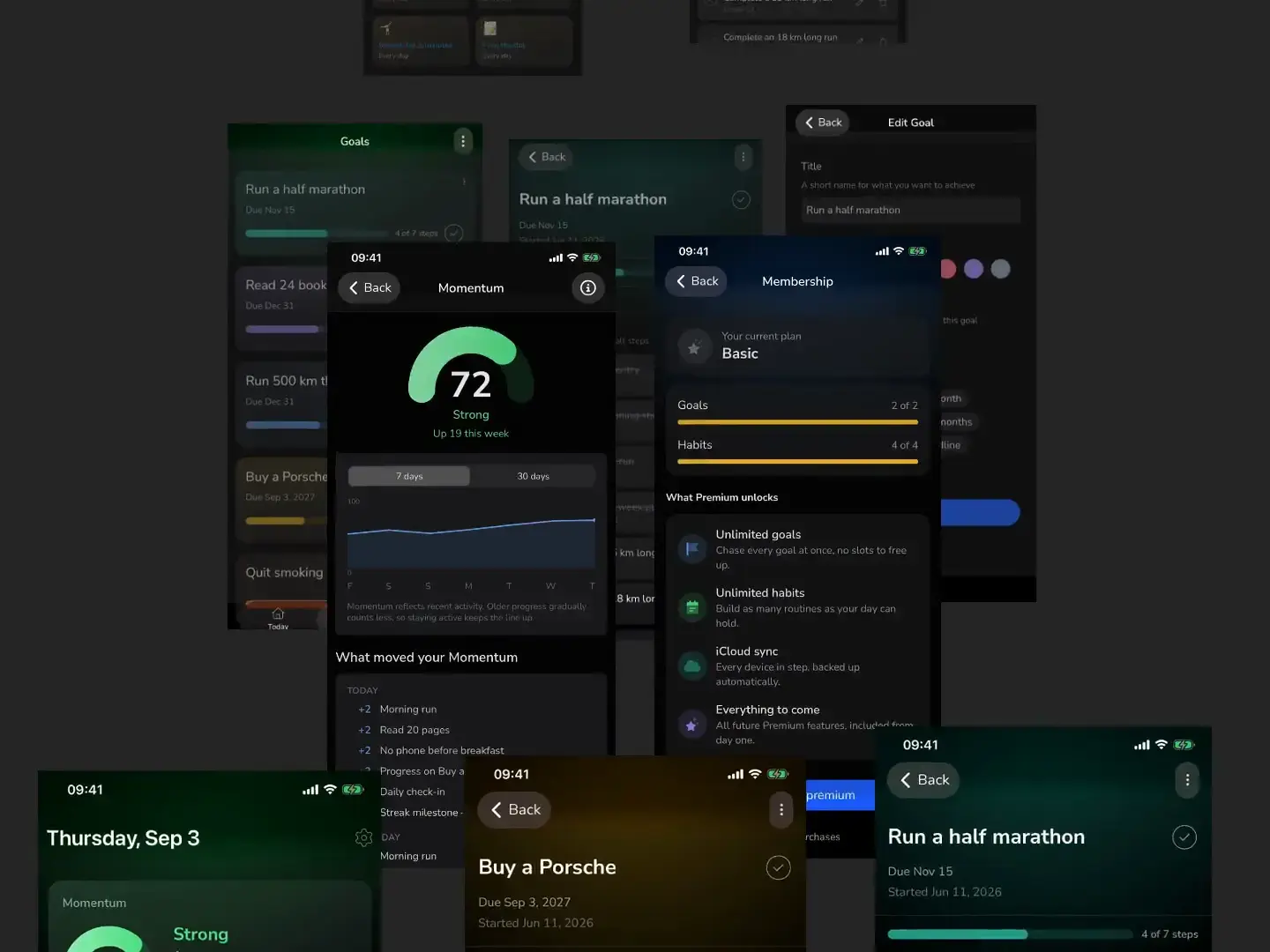
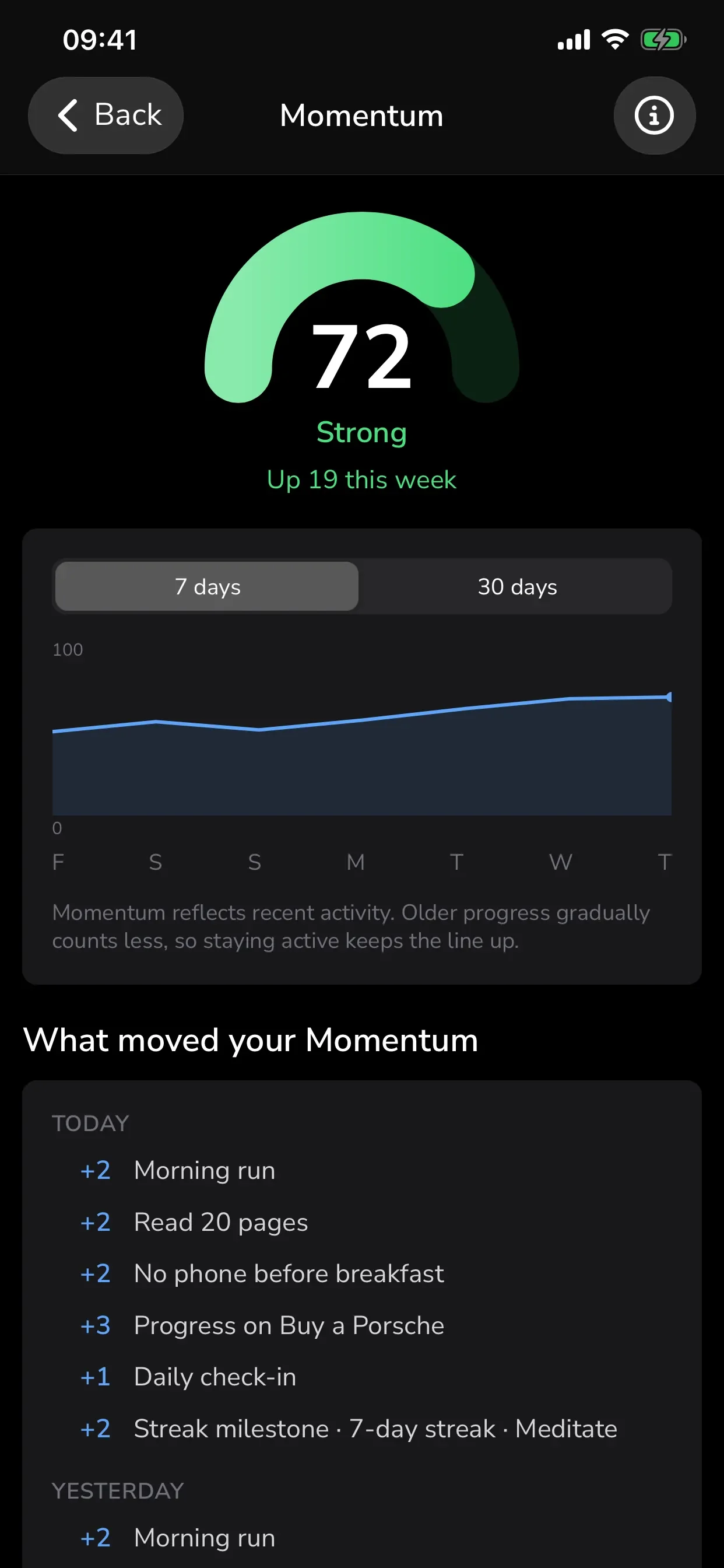
Miss a day? It dips, it doesn't reset.
One score from 0 to 100 that grows with everything you do and eases down gently when life gets busy. Nothing is ever subtracted.
Goals that actually finish.
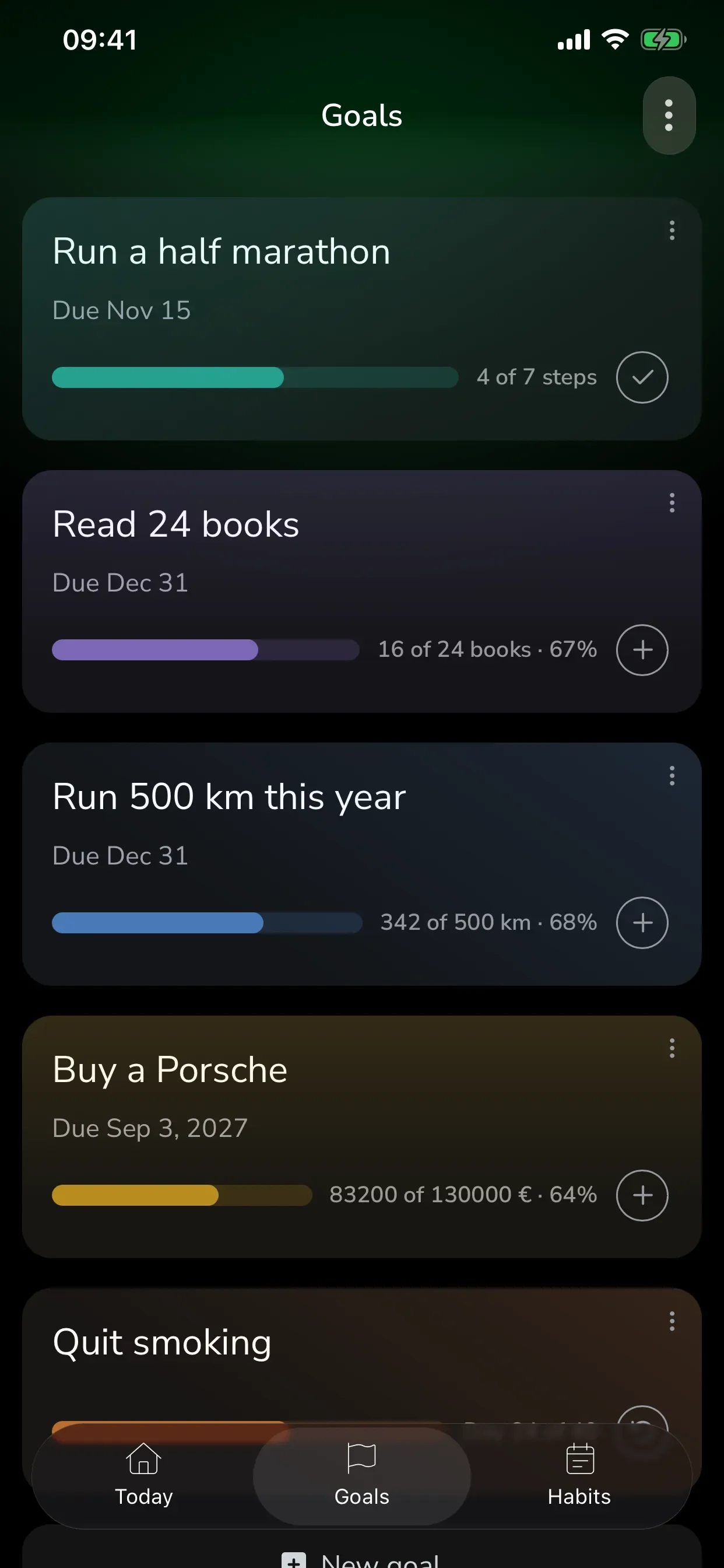
Reach a number, hit a milestone, or quit something for good.
Daily habits that feed your goals.
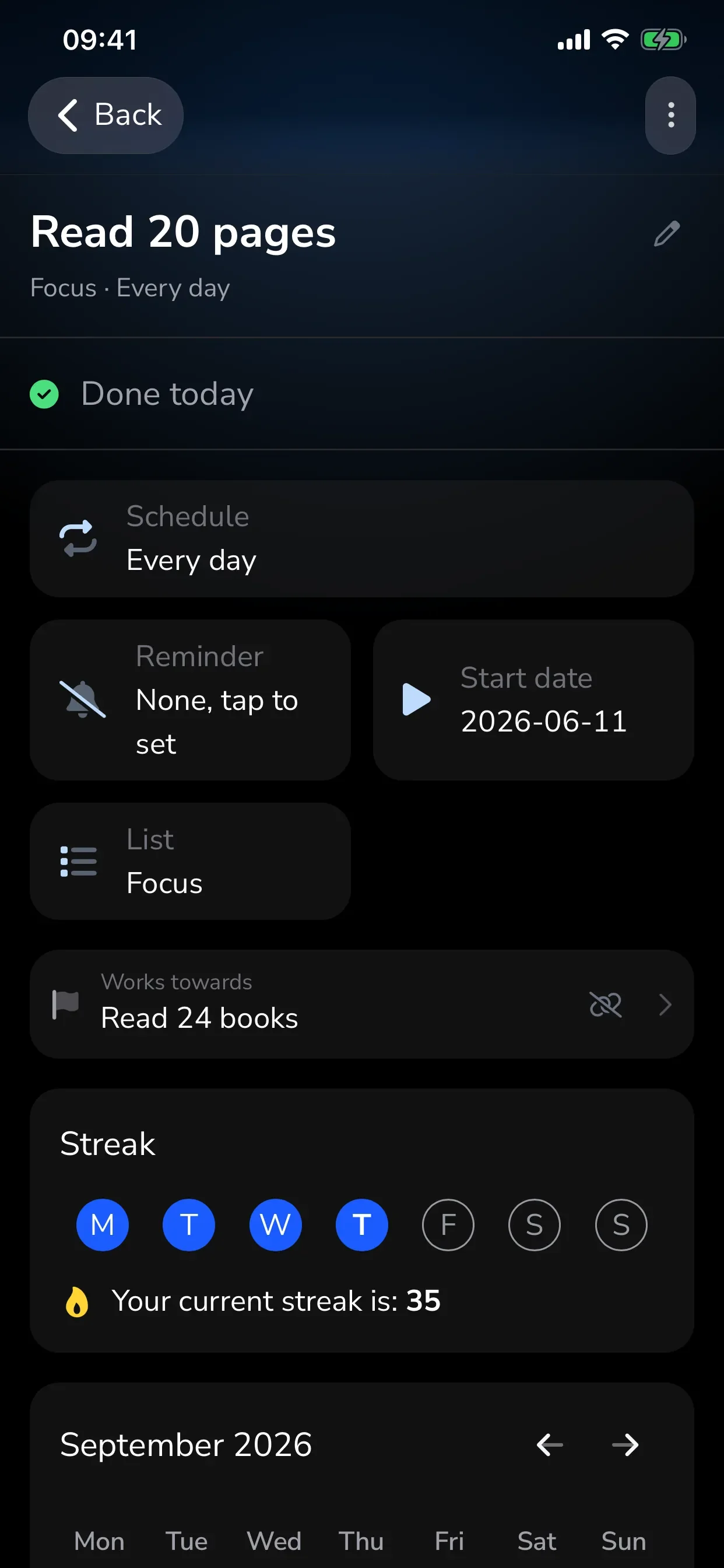
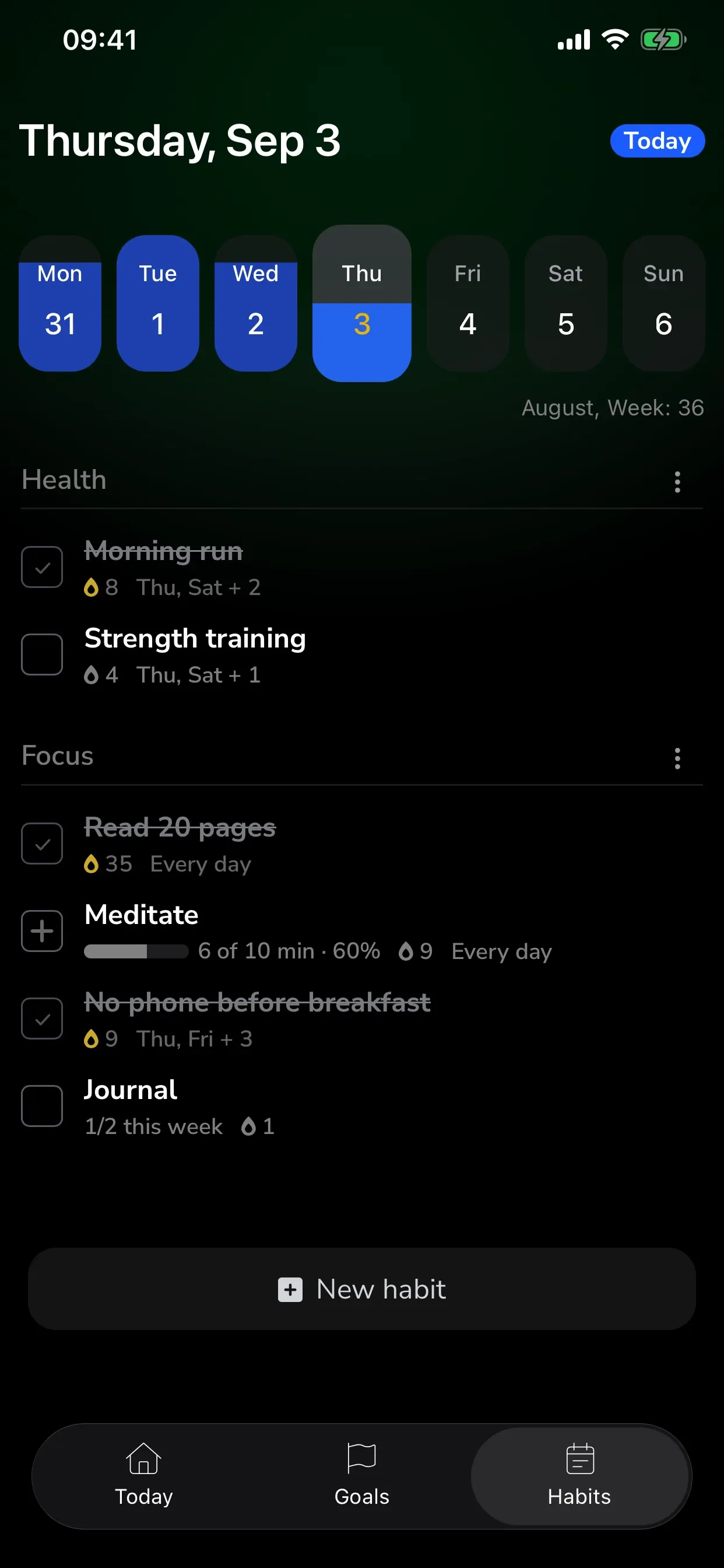
Check them off in seconds. Link a habit to a goal so every day counts.
Steps with their own due dates.
Break a goal into small steps and tick them off one by one.
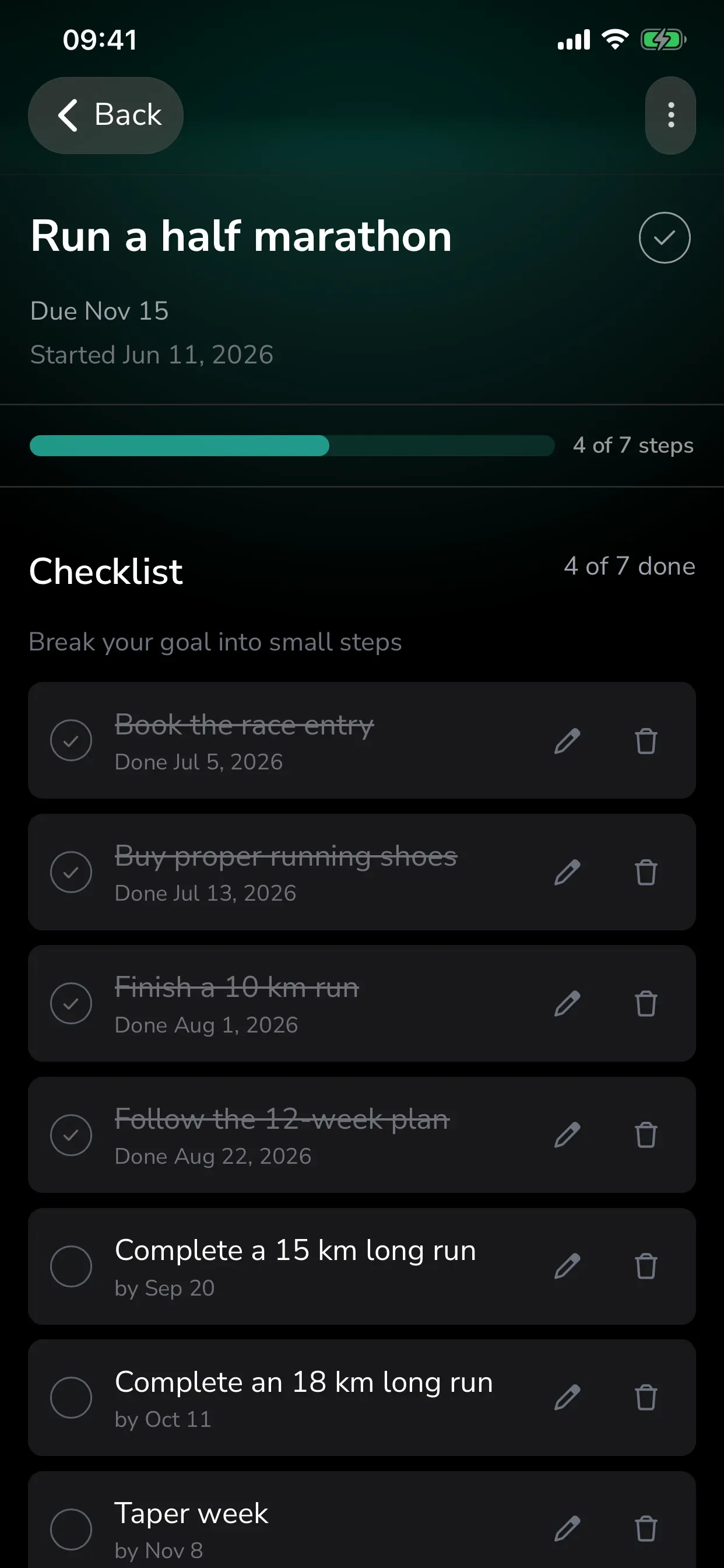
Log progress in your own units.
km, pages, euros. A pace line shows if you're ahead or behind.
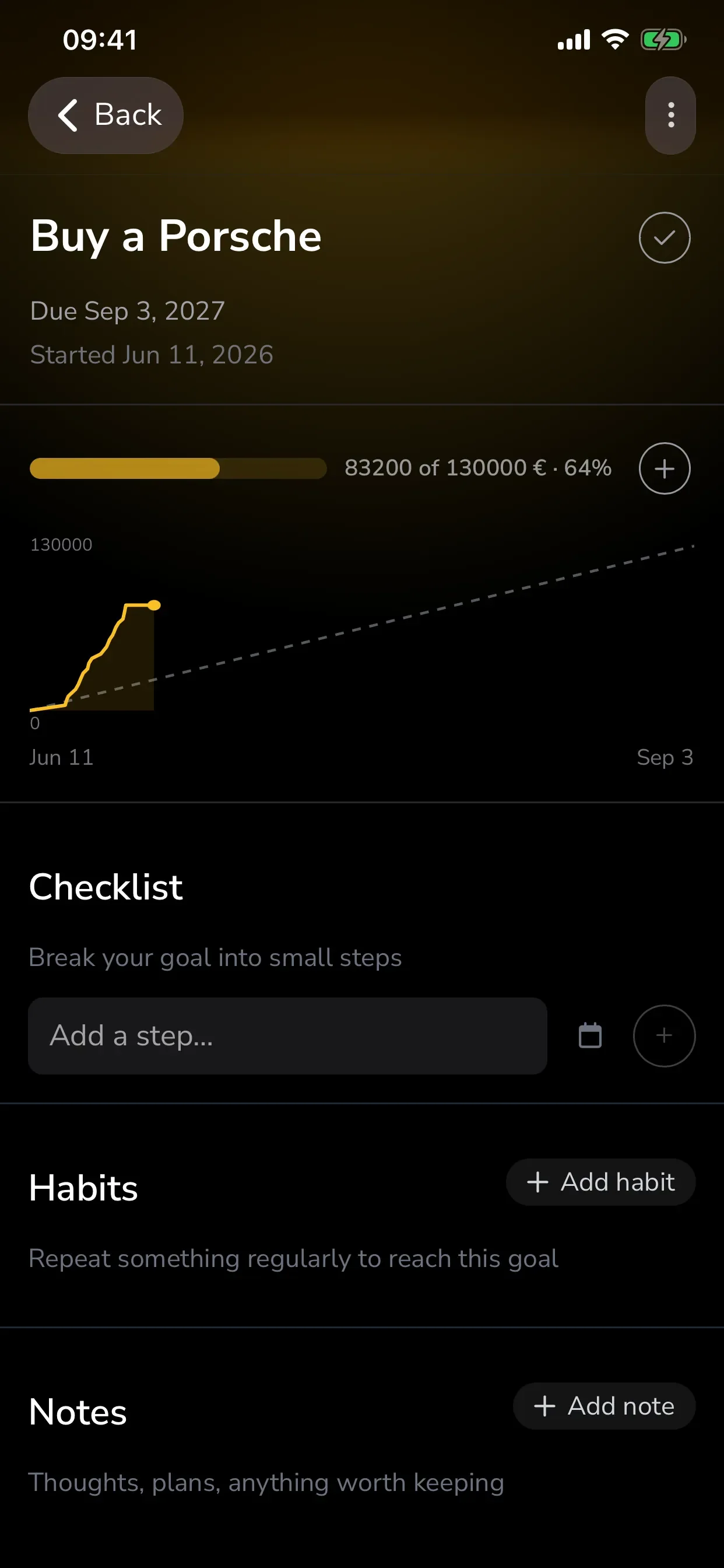
Goals, habits and one score that ties them together.
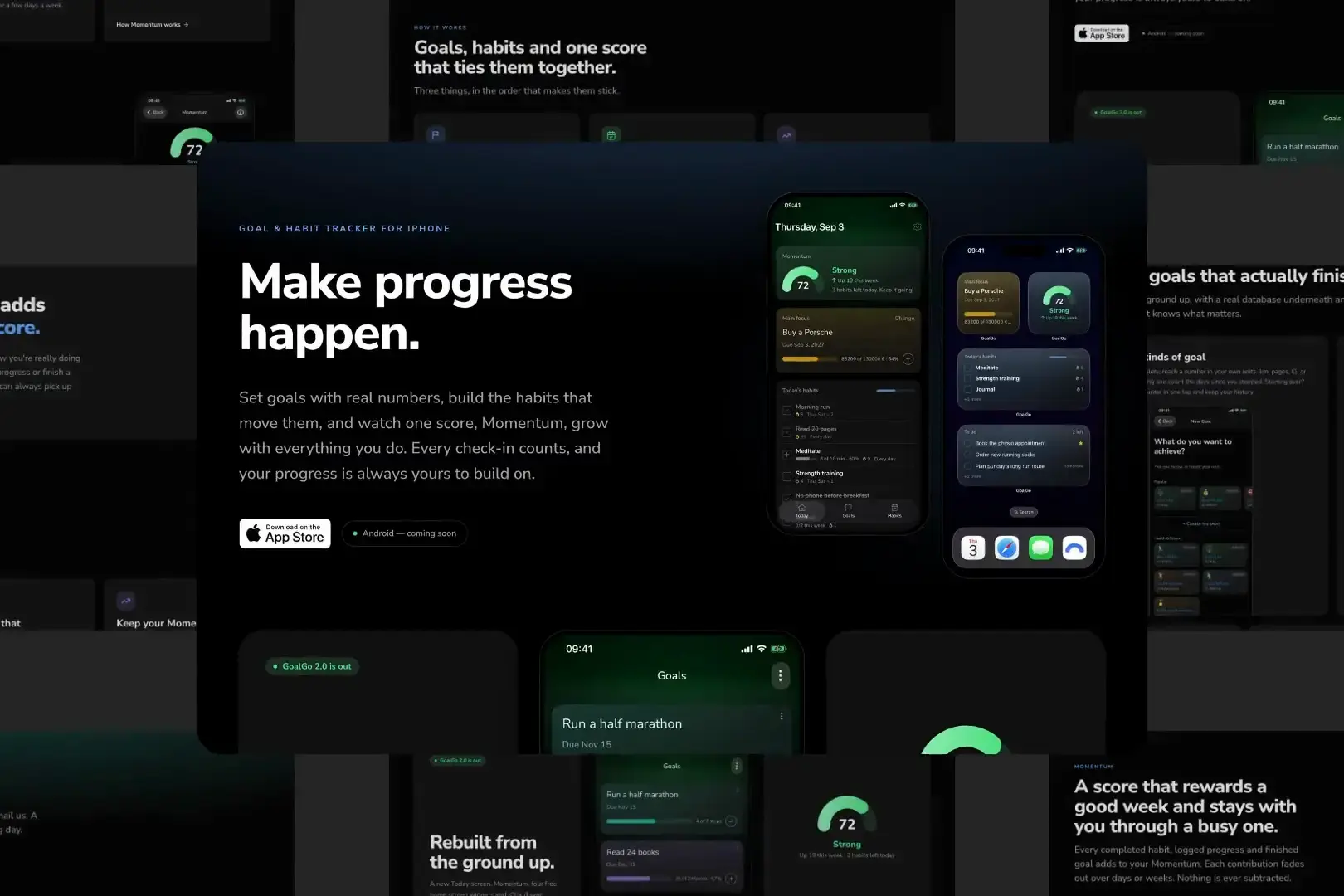
A goal is a number to reach, a checklist to finish or something to quit, with its own deadline and a pace line that says whether you're ahead. Habits are the small daily actions that move it, and every check-in feeds Momentum.
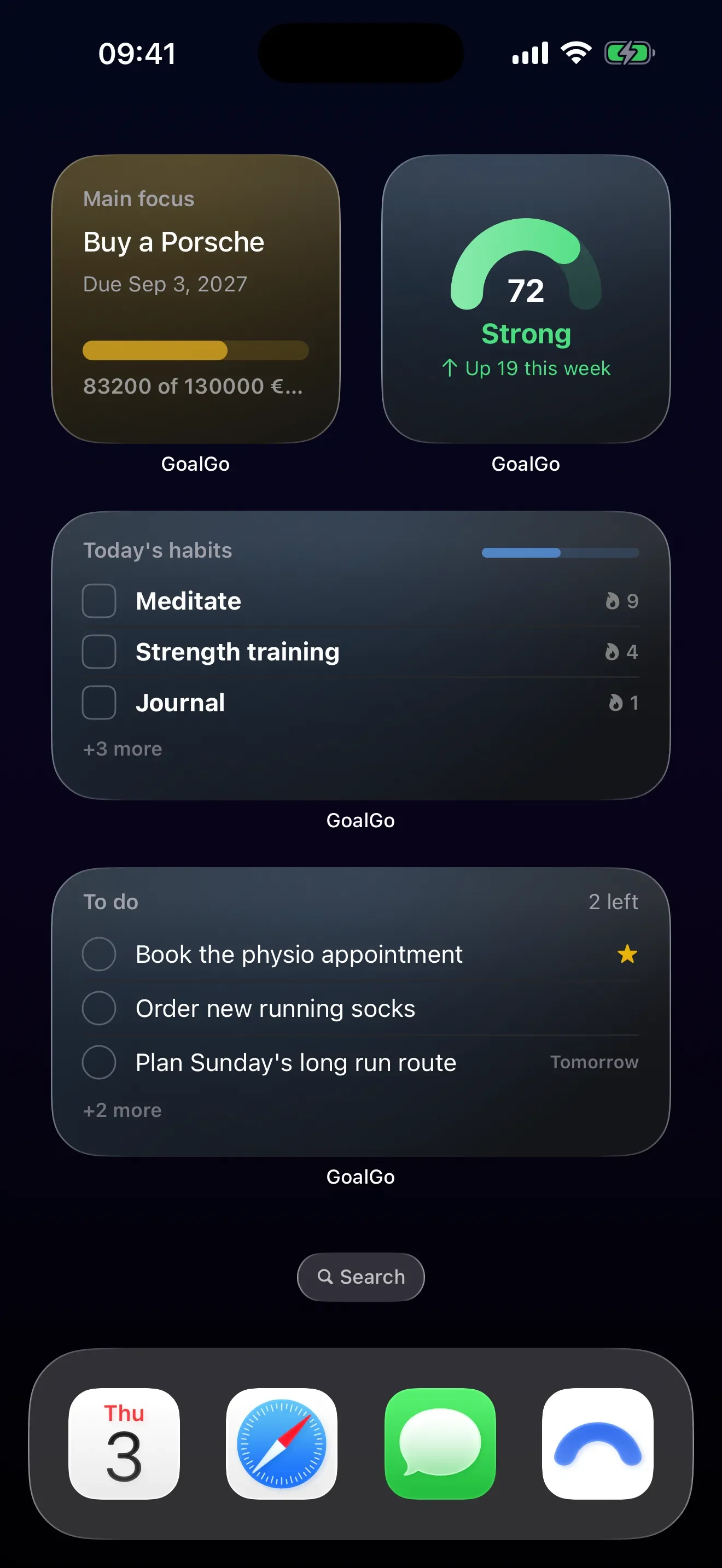
Four home screen widgets.
Momentum, Main focus, Today's habits and To do. Small, medium and large.
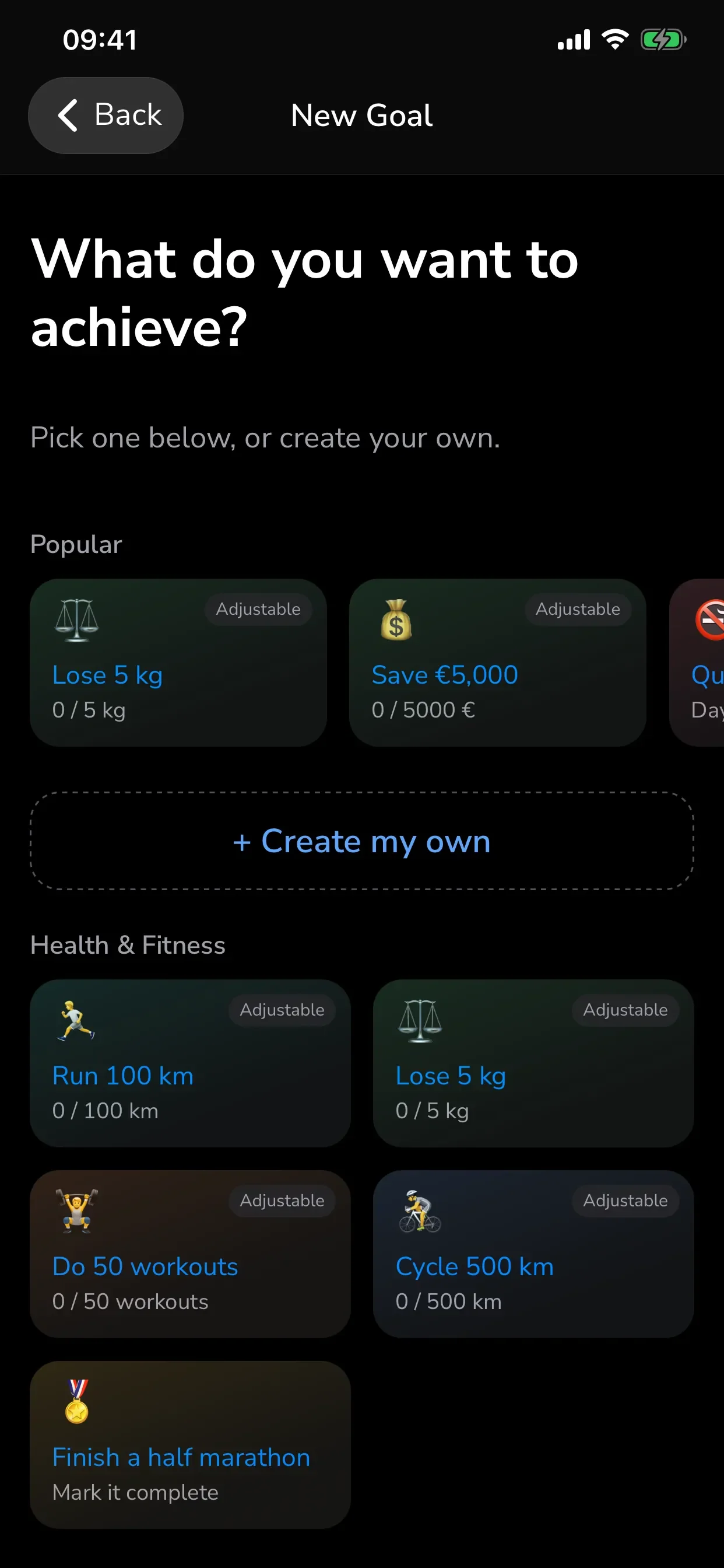
Start in two minutes.
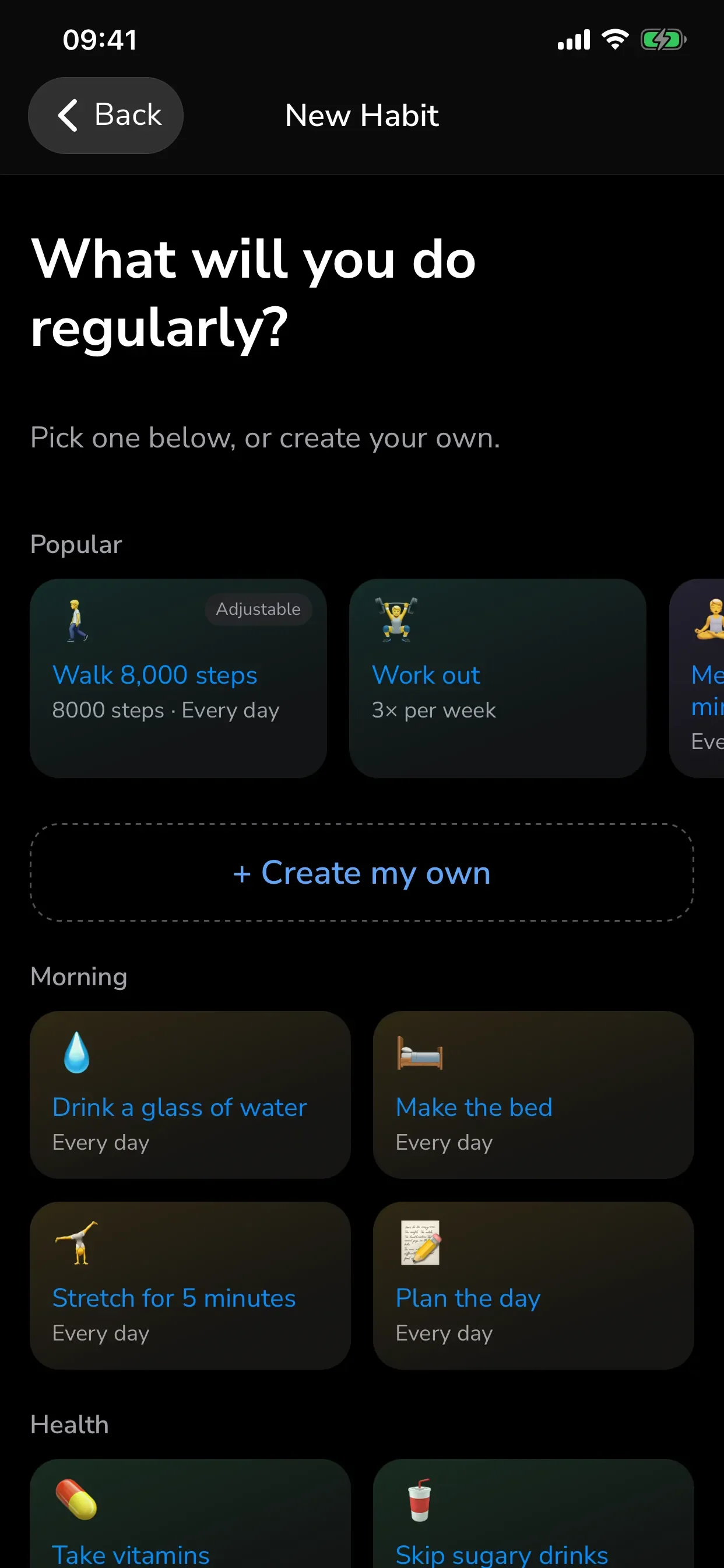
29 goal templates and 36 habit templates, or write your own.
A Today screen that knows what matters.
Your Momentum, your main focus, today's habits and a light to-do list.
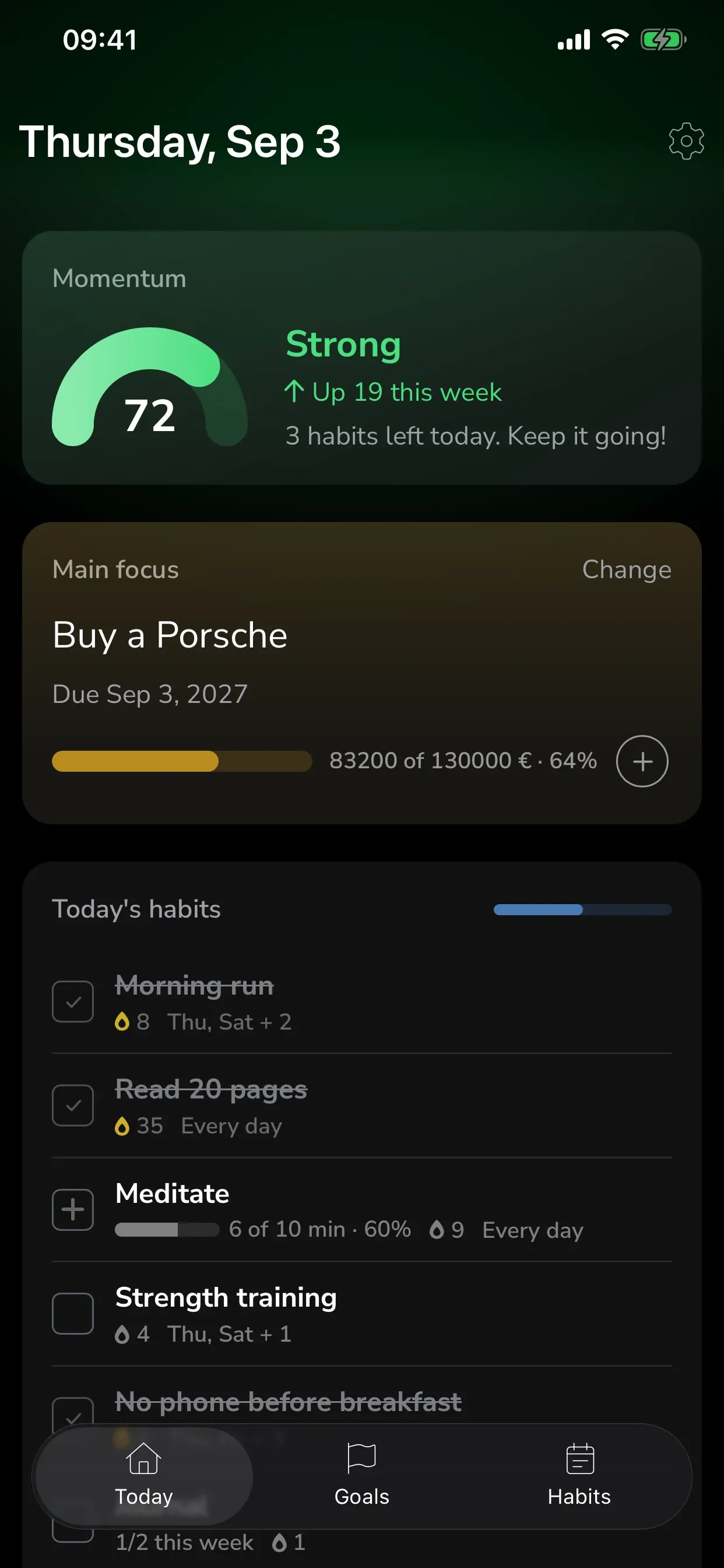
The parts that make it feel finished.
Templates so nobody starts from a blank page, a Today screen that knows what matters, and widgets that bring the day to the home screen. Then the quiet essentials: sync in your own iCloud, backups you can hold, reminders that know when to stop. None of it needs an account.
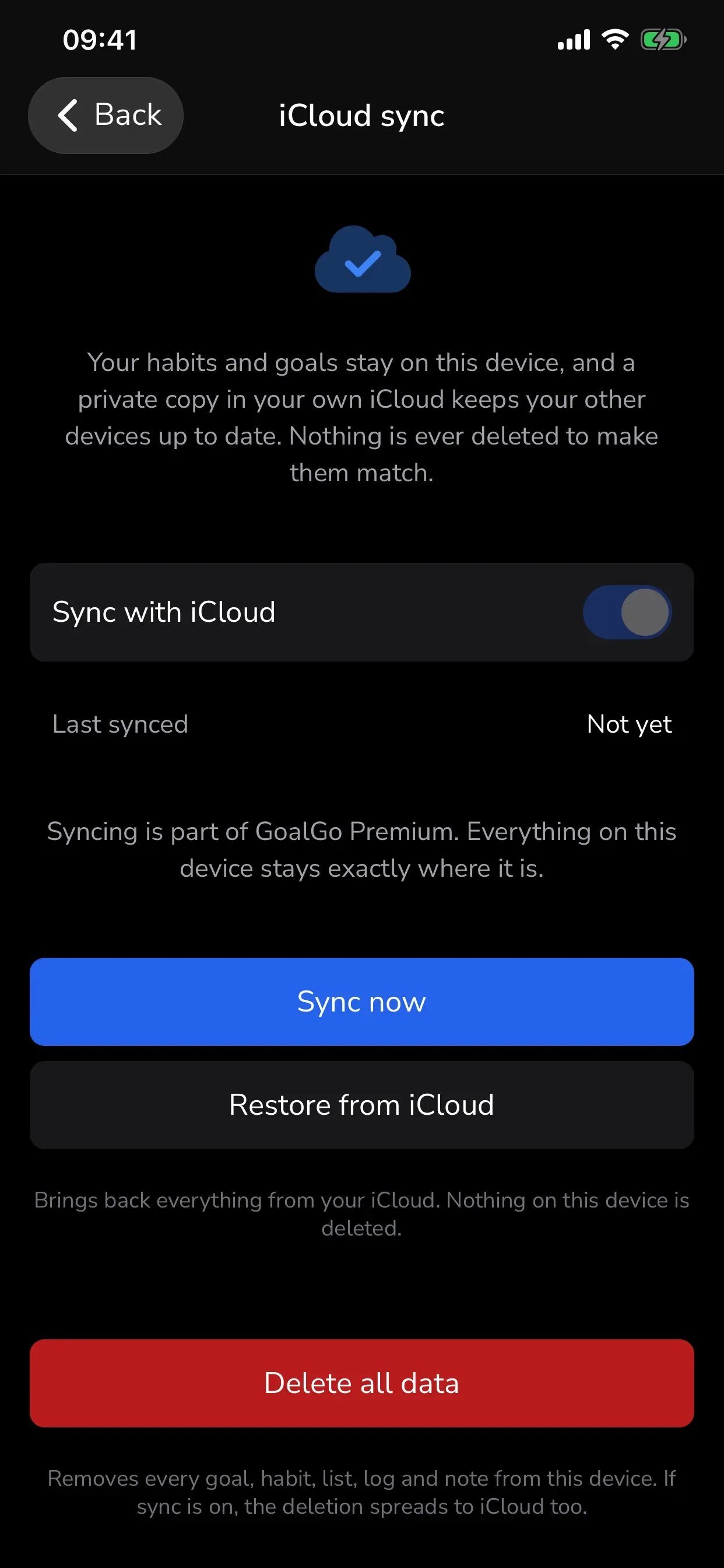
iCloud sync, your iCloud.
A private copy in your own iCloud keeps your devices in step. Nothing is ever deleted to make them match.
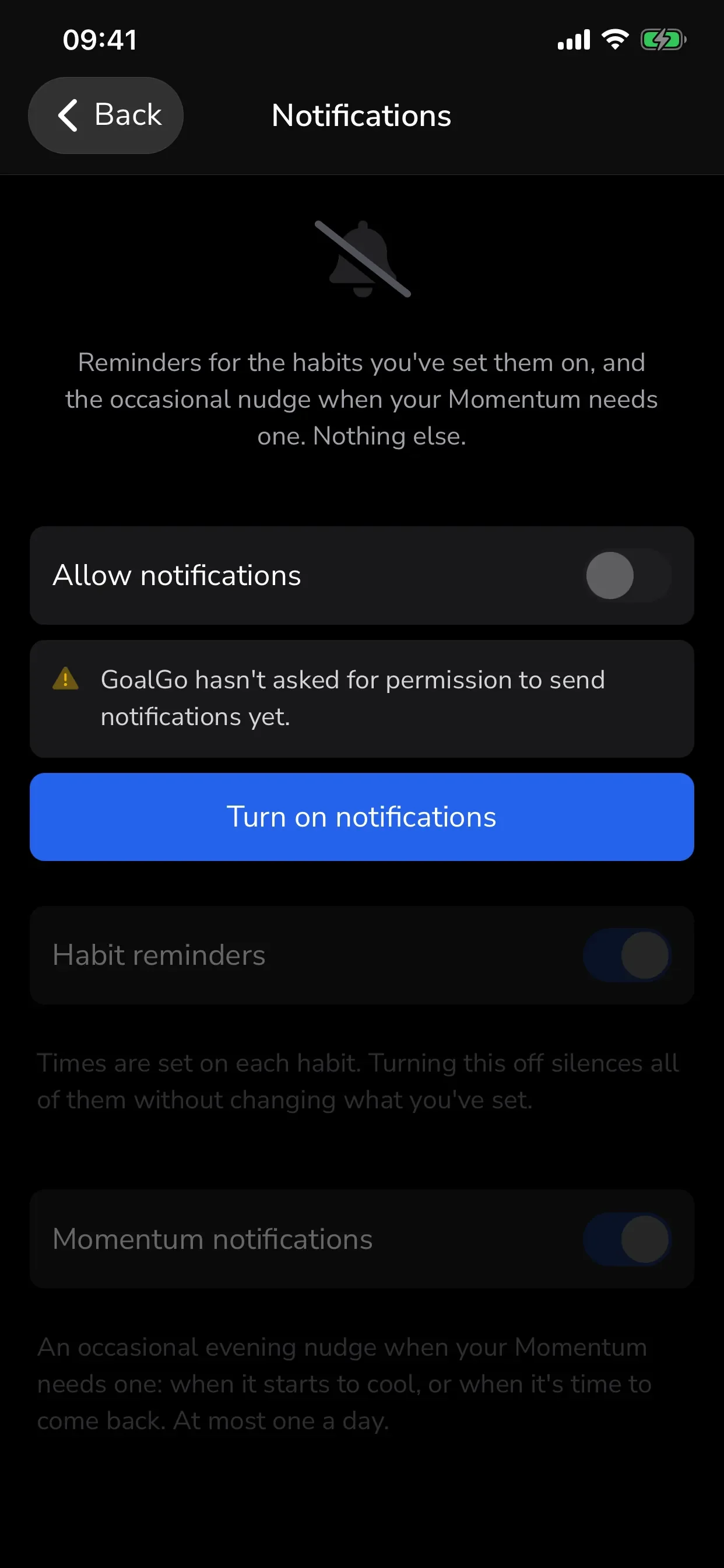
Reminders that know when to stop.
One per habit at the time you choose. At most one Momentum nudge a day, two a week.
Backups you can hold.
Export everything to a single file and import it back, add-missing or replace-everything.
No account. Nothing to log into.
Everything lives on your iPhone. Titles, notes and checklists never leave the device.
Effortless to start, easy to come back to.
Usability was the brief, not a polish step. Trackers are abandoned when the first session asks too much and the first missed day feels like failure, so the research went to the first five minutes and the first bad week.
Pick a goal
From a template or your own words. The chat asks only what the template can't answer.
Add one habit that serves it
Recommended from the goal you just picked. Schedule cards confirm it, so nothing is created on autopilot.
Decide on reminders
The only step you can skip. One per habit, at the time you choose.
What the research changed One hand, one glance, no thinking.
Fewer questions
We mapped every question a new user could be asked and removed the ones the app can answer itself. Templates pre-answer the rest.
Confirmation, not autopilot
Testers read instant habit creation as too fast and sometimes unwanted. The schedule is now the confirmation step, and weekday pickers start empty so the days are a choice.
Day one never reads zero
Finishing setup awards starter Momentum, so the first Today screen already shows a score in Building and something to keep.
What makes people come back
GoalGo
Make progress happen.
A look around
Under the hood
Result
GoalGo 2.0 shipped in September 2026 as a different app on the same idea. A new Today screen, Momentum, three kinds of goal linked to daily habits, four home screen widgets, iCloud sync and backups, all on a real database with a completely new look built for iOS 26. The website was rebuilt alongside it. Still no account, still nothing of yours on our servers. That is the kind of product work we do at Palapa.