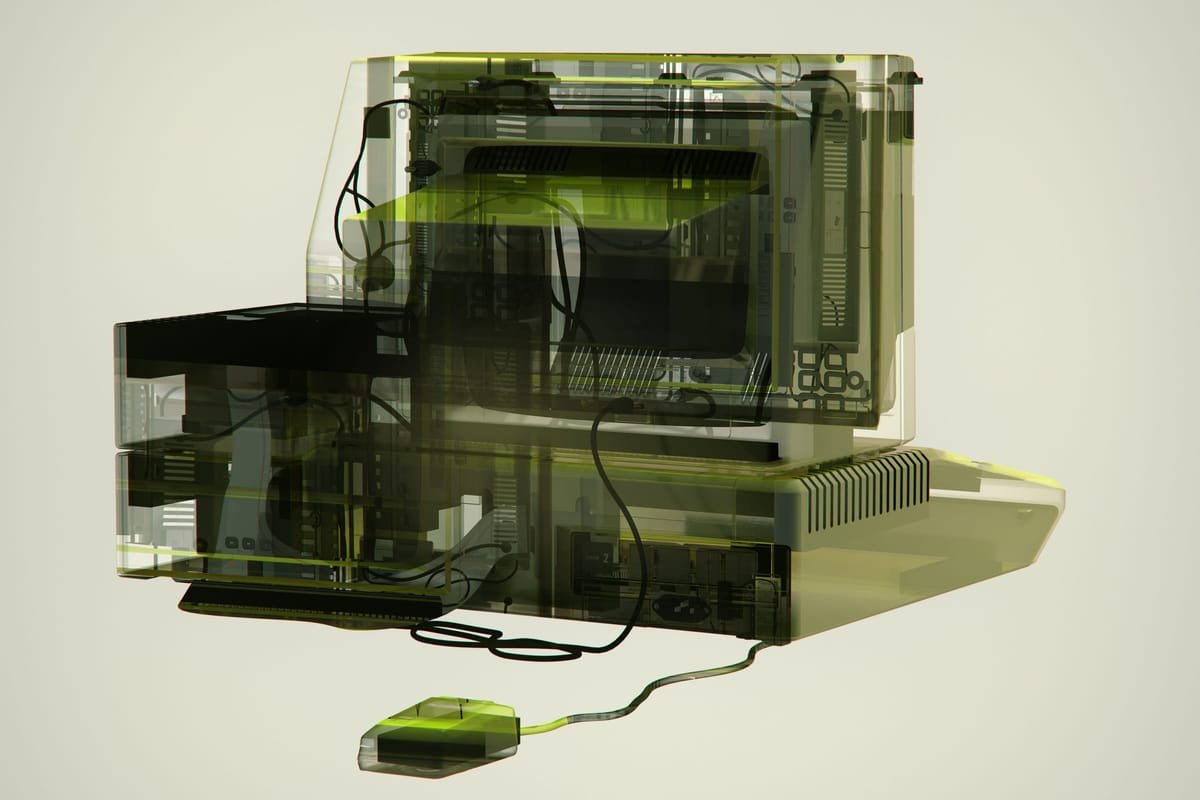

Your app works. People pay for it and open it every day. But the technology underneath is getting old. Fixes take longer than they should, the app never feels quite as smooth as its competitors, and the tools you built on get fewer updates every year.
Sooner or later someone says the word: rewrite. And you can picture what follows. Months in which nothing new ships. Then one launch day when everything changes at once, and you find out in public what you broke.
Sonos lived that day in May 2024. The company replaced its app with a rebuilt one, and customers opened it to find alarms and sleep timers missing and everyday things broken. The CEO apologised in July. The following January he stepped down.
That story is why rewrites scare people, and the fear is reasonable. But the lesson isn’t “never rewrite”. The lesson is that a rewrite should not be an event.
This autumn we moved GoalGo, our goals and habits app for iPhone, from Ionic to React Native. That is a full change of the technology the app is built on. For the people who use it, it was version 2.6.0, an update like any other. Their goals were there. Their reminders went off on time. The widgets on their home screen stayed where they had put them. Three moves made that possible, and none of them needs a big team.
One app, brain and face mixed
Brain moved out, same app
Two apps on one brain
One new app
Steps users could see: none
Why we moved at all
Ionic lets you build an app the way you build a website, then wrap it so it runs on a phone. It is a good way to start. You get to a working product quickly, with one team and one codebase.
Two things changed for us over time.
The first is support. Ionic gets less attention than it used to, and the community around it is shrinking. For a business that matters more than it sounds. A smaller community means fewer maintained add-ons, fewer answers when something breaks, and slower fixes when Apple changes the rules, which it does every year.
The second is performance. An Ionic app is, underneath, a web page running inside an app. React Native draws real native screens. Users don’t know that, but they feel it: in how a list scrolls, how a sheet slides up, how the keyboard behaves.
Neither of these was an emergency, and that was the point. The best time to move is before you have to. Staying would have meant building every new feature on a base that gets a little weaker each year.
Move one: take the brain out of the app
Think of an app as two parts. There is the face: screens, buttons, animations. And there is the brain: the rules. What counts as a streak. When a reminder goes off. How progress towards a goal is worked out. How your data is saved and kept in sync between devices.
In most apps the two are mixed together, and that is what makes a rewrite dangerous. You set out to change the face and end up rewriting the brain by accident. Every rule you rewrite is a chance to get it slightly wrong, in a way nobody notices for weeks.
So our first move had nothing to do with the new technology. We took everything that wasn’t a screen and moved it into its own package: a separate, self-contained part of the code with one strict rule. It is not allowed to know what kind of app is using it.
This is where our setup helped. GoalGo lives in a monorepo, which means one repository that holds the app, the website and the shared packages side by side. Because everything sits together, the old app started using the extracted brain the same day it moved. There was nothing to copy and no second version to keep in sync.
Before
Ionic app
After move one
The brain: rules, data, sync
streaks · reminders · goal progress · saving and sync
Then we shipped it. The old screens, the same app, with the brain now living somewhere else. Nobody noticed, and that was the test. The checks we already had kept passing, and the app kept reading the same database and the same settings. If something had gone wrong, we would have known the cause, because nothing else had changed.
Do the invisible half first. It is the least exciting step of the three, and it removes most of the risk.
Move two: two apps, one brain
Next we built the new app right beside the old one, in the same repository. Both used the same brain. The new one only had to be a face.
Old app (Ionic)
Live in the App Store
New app (React Native)
Being built
The brain
rules, data, sync
That changes the nature of the work. We never had to ask whether the new app counts streaks correctly, because it runs the very same code as the old one. The only question left was whether each screen looks and behaves like the one it replaces. You can answer that with your eyes.
So we took reference screenshots of every screen in the old app and moved over one area at a time: habits, then goals, then the home screen, then settings. Each area was compared against its reference before we went on to the next.
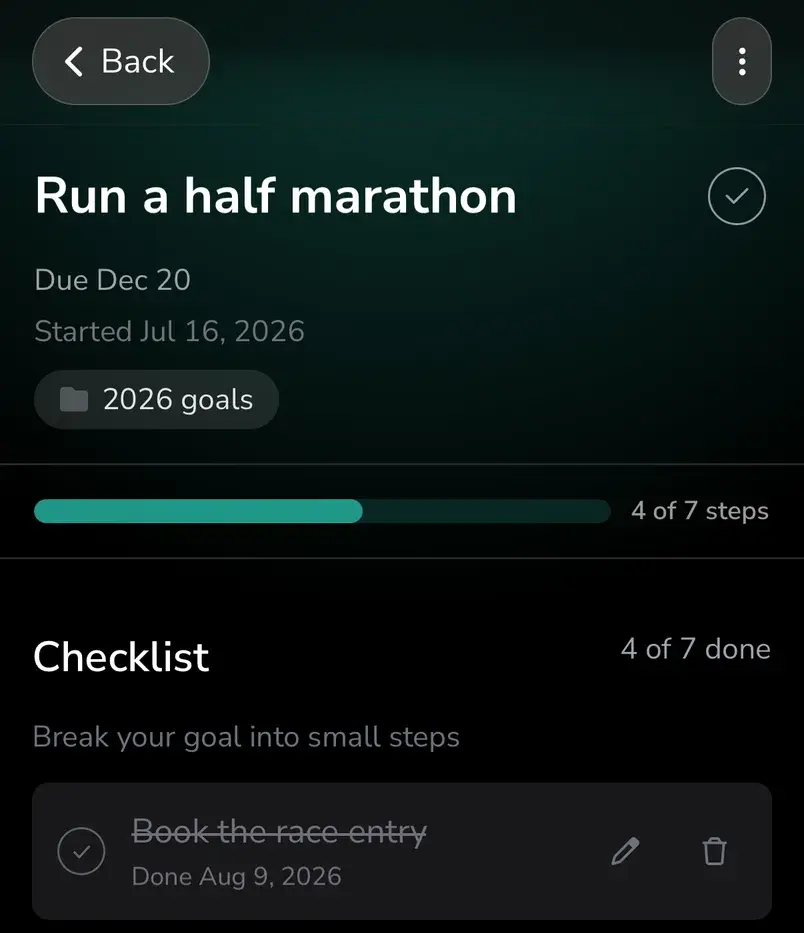
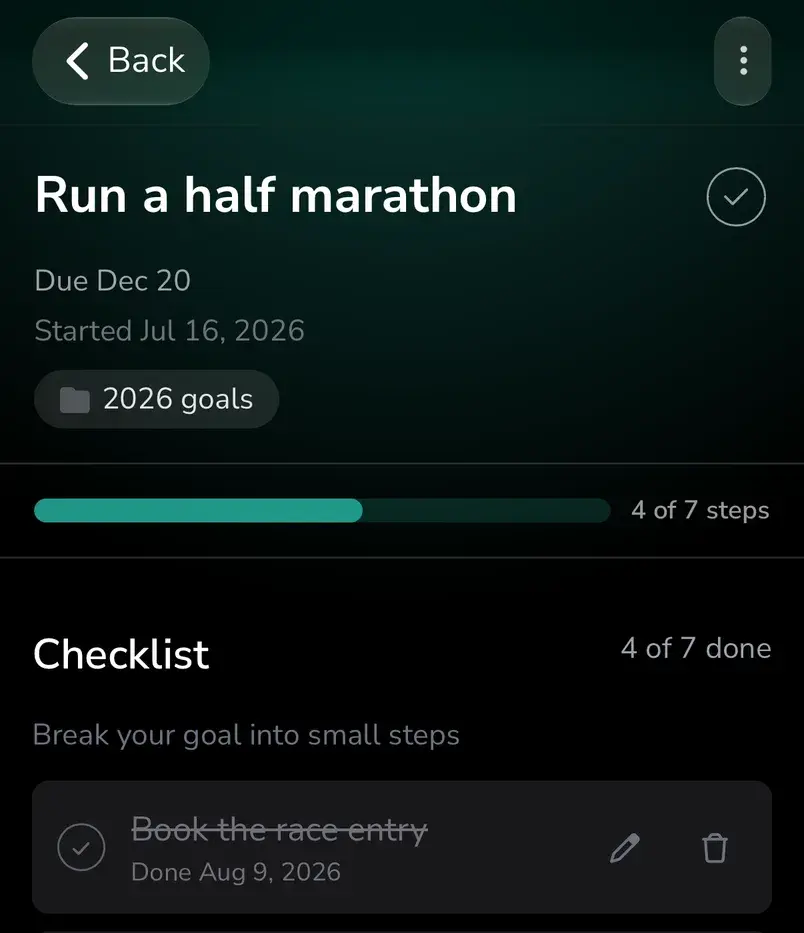
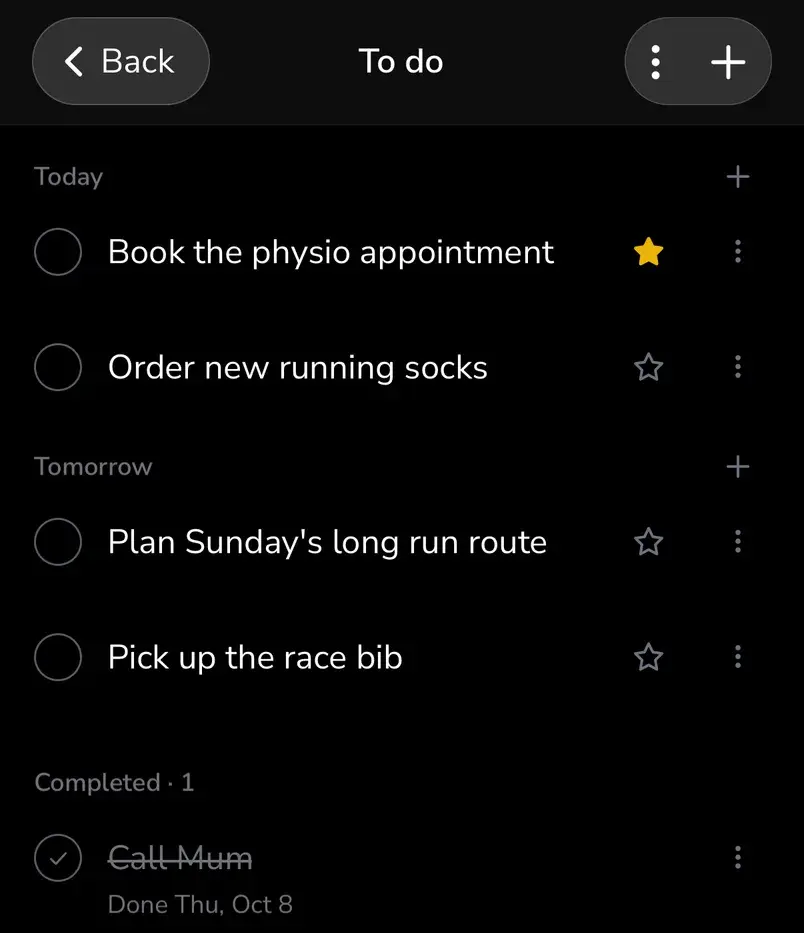
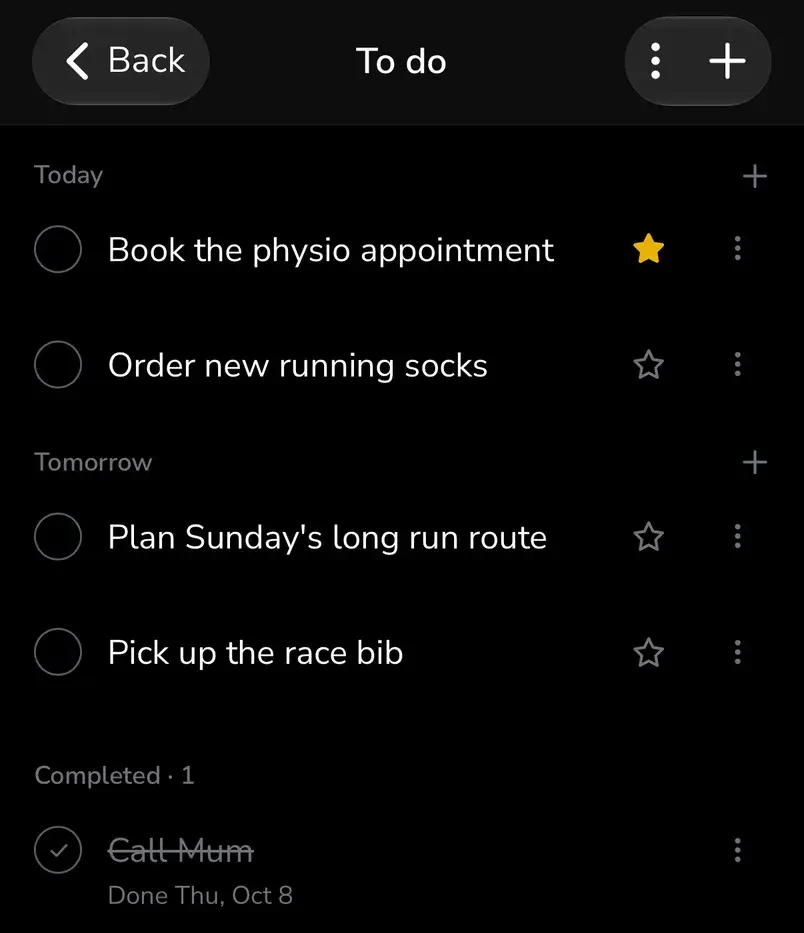
Drag the line. To its left is the old Ionic app, to its right the new React Native app, with the same data.
All this time the old app never stopped being the real product. It could still be built and released on any day. An urgent problem could be fixed there without waiting for the rebuild. And an improvement to the brain reached both apps at once.
This is the opposite of the usual feature freeze. In a typical rewrite the team ends up with two half-products: an old one nobody wants to touch and a new one that isn’t ready. We had one finished product and one growing one, and they shared everything that mattered.
The list of things that must not change
Before we built a single new screen, we wrote a list. It wasn’t a list of features to build. It was a list of things a user must never notice.
For GoalGo it looked like this:
- Their data. Every goal, habit and entry. The new app opens the very same database the old one wrote, right where it is. No export, no import, no “migrating your data” screen.
- Their settings. Everything they had chosen stays chosen.
- Their reminders. The ones already scheduled still go off.
- Their subscription. Paying customers are recognised straight away, with nothing to restore.
- Their widgets. They stay on the home screen where the user put them and keep showing the right numbers.
The widget line is the kind that is easy to miss. Nobody lists it as a feature. But a person who finds an empty box on their home screen after an update has just learned that the update broke something, and their trust in everything else drops with it.
A list like this is only a wish until you test it. Our test was simple to describe. Take a copy of the old app with real data in it. Install the new app over it, exactly as the App Store would. Then check every line of the list.
Then do it the other way round. Install the old app over the new one and confirm it still opens everything. That second half is what makes the old app a real fallback and not just a comforting idea. Sonos told its customers it would not bring the old app back. If you can’t go back, you don’t have a safety net.
- New app over old
- Old app over new
| Must not change | New app over old | Old app over new |
|---|---|---|
| Data | ||
| Settings | ||
| Reminders | ||
| Subscription | ||
| Widgets |
We ran the test at each stage, and again on the exact build that went to the App Store.
Move three: switch off the old app
Once the new app was tested and live, we removed the Ionic app from the repository.
It deserves to be a step of its own. Two apps cost attention. Every change to the shared brain has to work in both, which is fine for one release and a burden for a year. So decide in advance when the old one goes. For us the answer was: when the new one is live and holding.
It also has to be done with care. An app that has lived for years collects things around it: notes, scripts, small tools the team has stopped noticing. Go through them before you delete anything.
What we are left with is one app, one brain, and a clear line between them. The Android version we are preparing now uses the same brain. And the next time the face needs replacing, which will happen one day, it will be another ordinary update.
If you are not the one writing the code
You don’t have to understand any of the technology to check whether your team’s rewrite is set up this way. Four questions will tell you.
Four questions to ask about a rewrite
- 1
Can the first step ship with no visible change?
If the plan starts with the new screens, the rules are about to be rewritten along with them.
- 2
Can the old app still be released tomorrow?
If the answer is no, you are in a feature freeze, whatever it is called.
- 3
What is on the must-not-change list, and how is each line tested?
“We’ll be careful” is not a test.
- 4
Can we go back?
Ask to see it done once, on a copy of real data.
Clear answers to all four mean the rewrite will most likely pass as an update. Vague ones mean a launch day.
Start with the list
A rewrite goes wrong when your users find out about it. Everything above is one idea applied three times: change one thing at a time, and prove that nothing else moved.
So before anyone writes a line of the new app, write down what your users must never notice. Put it in plain words, the way a customer would say it. Then ask how each line will be proved. Start that list this week.
→ Why we still pick React Native in 2026, the longer case for the framework.
→ The GoalGo case study: the app this post is about.
Sources
- The Sonos app launch in May 2024 and the missing alarms and sleep timers: TechRadar, May 2024.
- The apology: Update on the Sonos app, Patrick Spence, Sonos blog, July 2024.
- The old app not coming back: MacRumors, August 2024.
- The CEO stepping down: MacRumors, January 2025.